
2026-02-11
Why Every Vibe Coder Needs a Planner Before Writing Prompts
How visual planning reduces token waste and scope chaos in AI-assisted app building.
Read moreSpexly turns your raw idea into a visual blueprint — features, prompts, architecture — so you can build with clarity in Cursor, Bolt, Claude, and more.
How it works
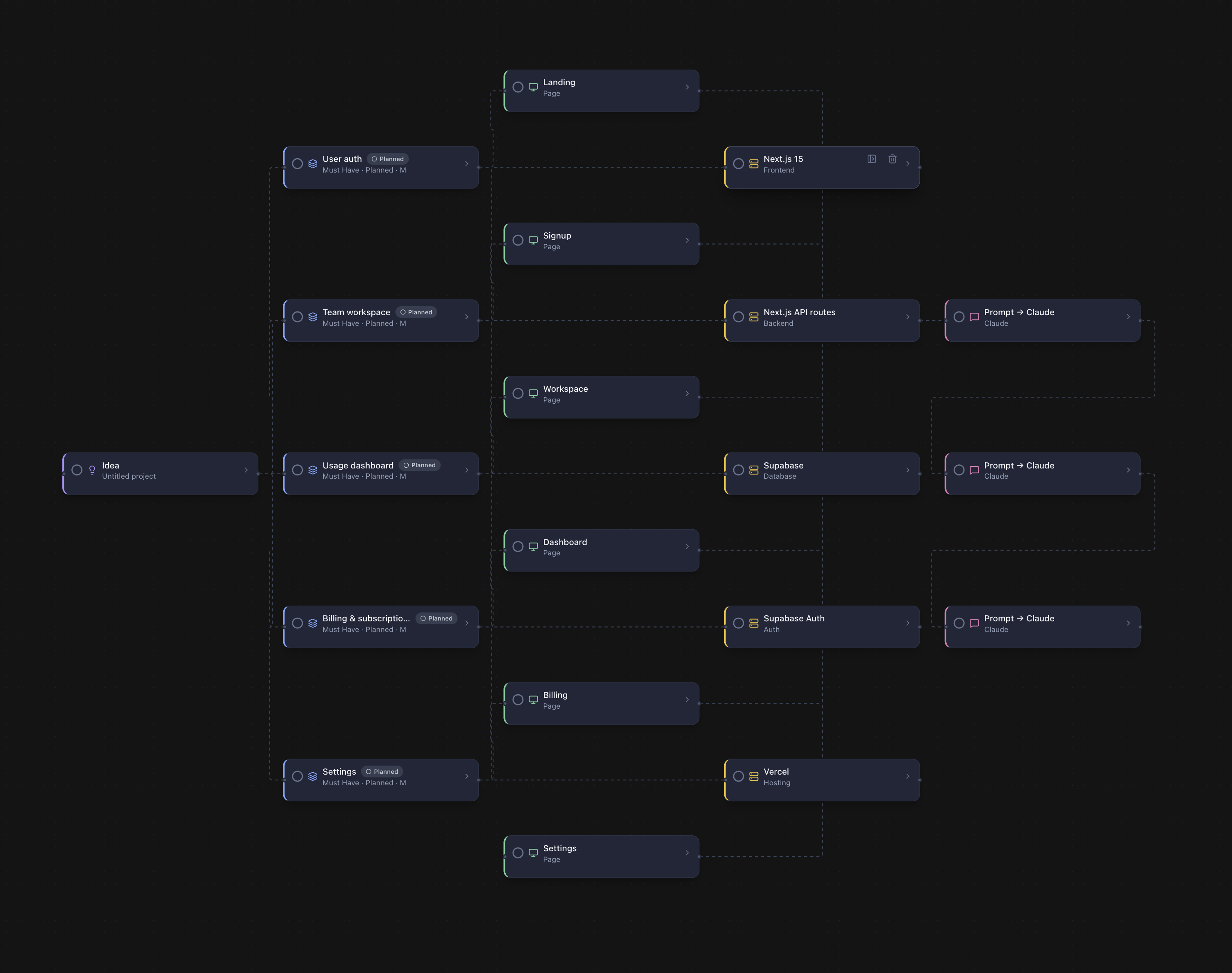
Pick a template, paste a PRD, or just describe what you want to build. Our AI wizard does the rest.
Your canvas fills with interconnected nodes — features, screens, prompts, tech stack. Drag, connect, refine.
Each node captures user stories, acceptance criteria, priority, and effort. Everything your AI tool needs.
Export prompts to your coding tool. Track progress with built-in stats. Check off subtasks as you ship.
The difference
Node types
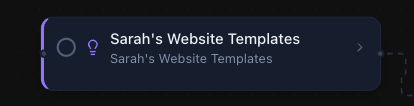
Ideas, features, prompts, tech stack, notes — each with guided fields so nothing falls through the cracks.
Subtasks
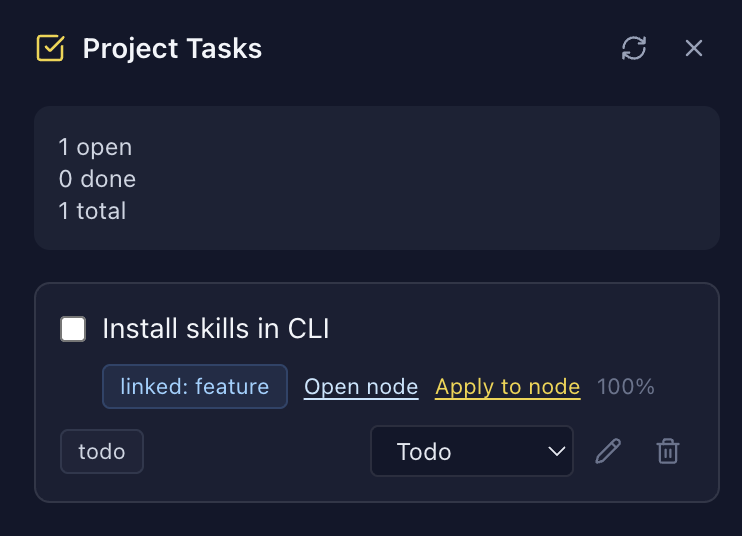
Break any node into subtasks and check them off as you go. See at a glance what's done and what's left across your entire project.
Features
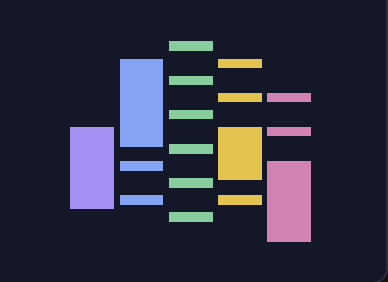
Navigate at scale
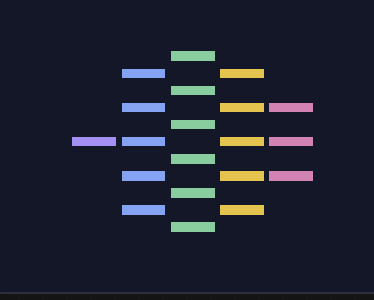
Zoom out to see your entire architecture, or jump to any section instantly. Keyboard shortcuts make demos smooth.
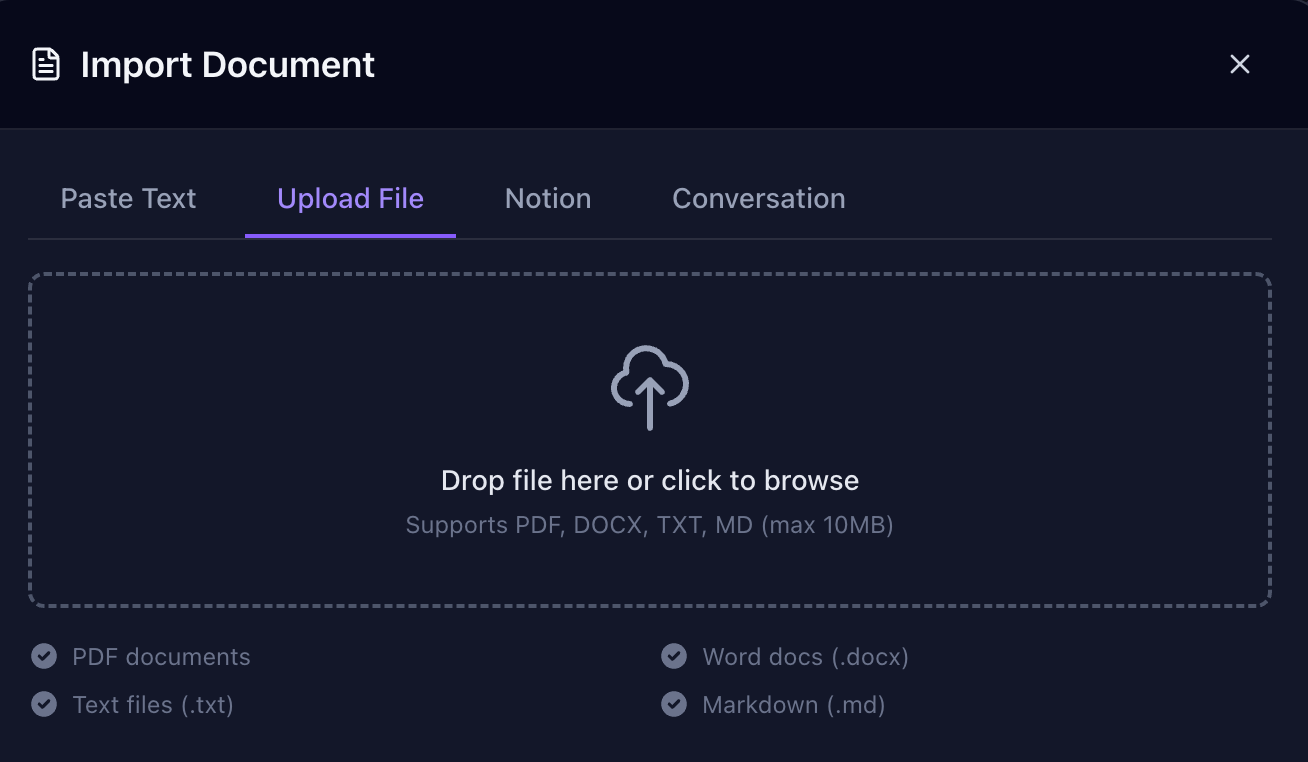
Import anything
Paste a PRD, upload a doc, connect Notion, or drop in a file. Spexly parses it and auto-generates your canvas.
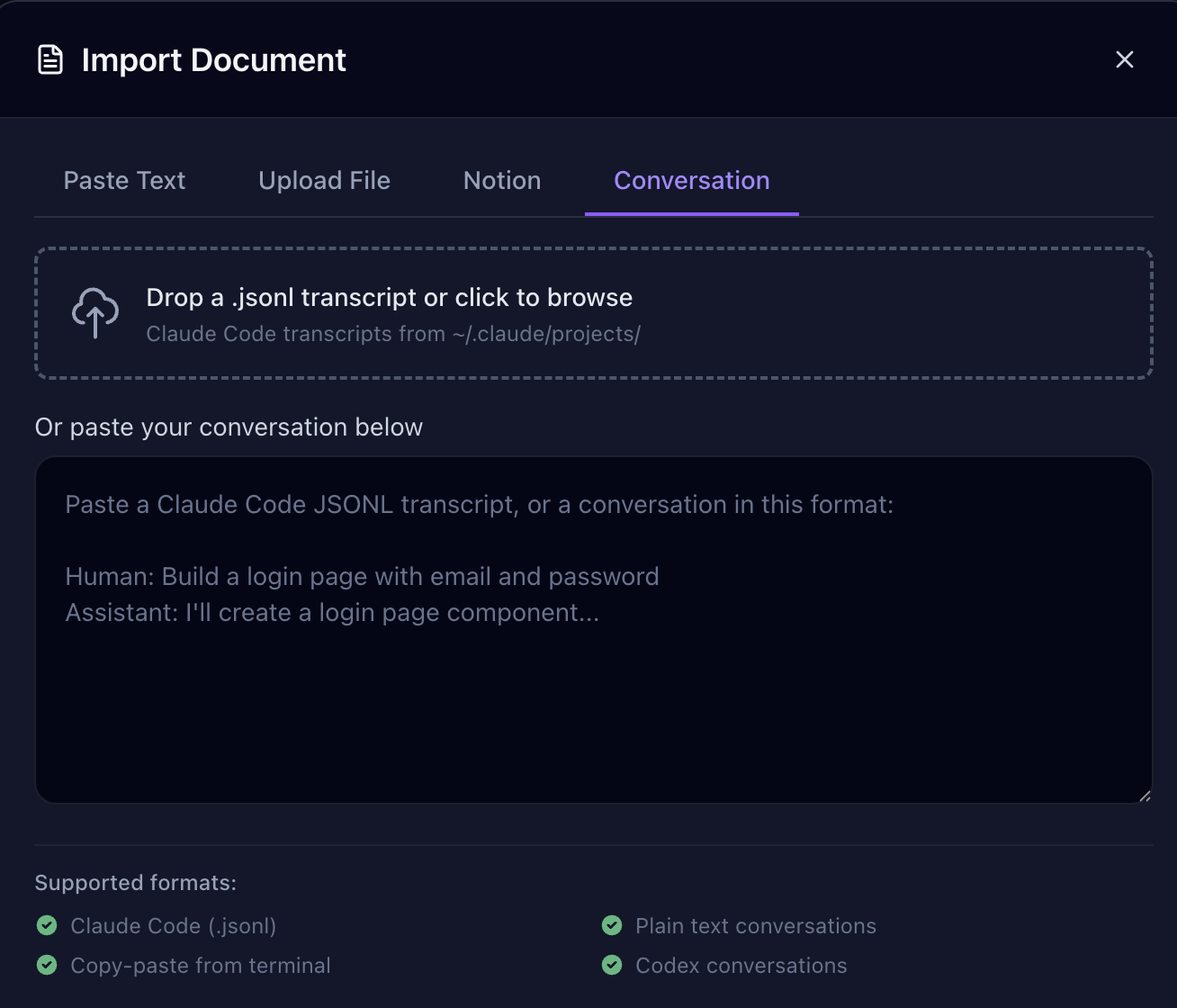
AI conversation import
Drop a Claude Code transcript or paste any AI conversation. Spexly extracts features and architecture decisions automatically.
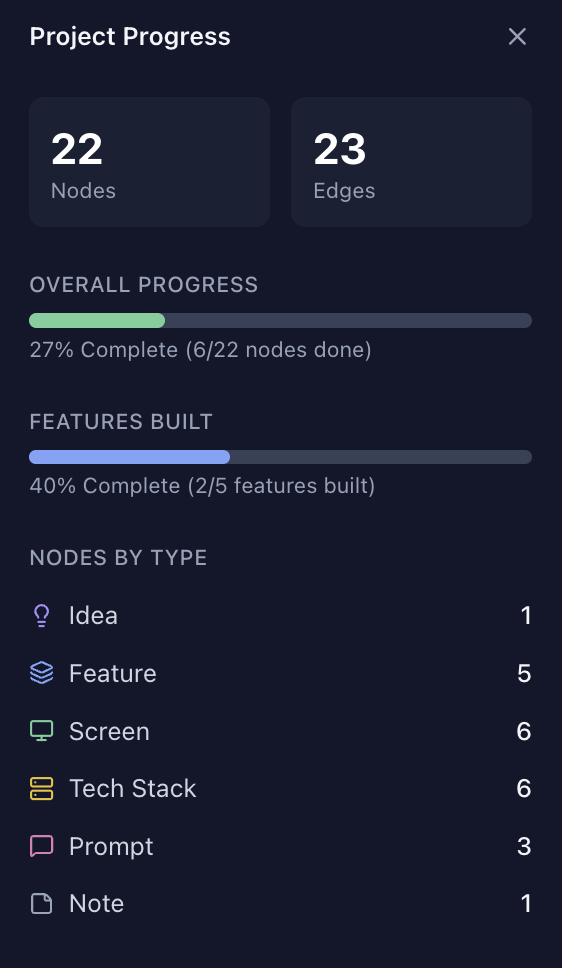
Progress tracking
Break nodes into subtasks and check them off. Built-in stats show project health at a glance.
Join vibe coders who plan before they prompt. Early access invites go out in waves.
From the blog
2026-02-11
How visual planning reduces token waste and scope chaos in AI-assisted app building.
Read more2026-02-11
A practical workflow for moving from raw idea to build-ready project map.
Read more2026-02-11
Move from experimentation to predictable shipping with structured planning loops.
Read moreJoin now for launch updates, weekly planning tips, and first-wave beta invites.